UOB TMRW APP
Where it all began
Almost 2 years ago, I stepped into the world of design with my first casestudy - born out of the VI UX Bootcamp. It was my starting line, where curiosity met craft. Since then, I’ve grown from following briefs to shaping them, from designing screens to designing solutions that make people feel something. Today, every project carries a piece of that journey - more confident decisions, sharper skills, and a bigger vision for what great design can do.
Overview
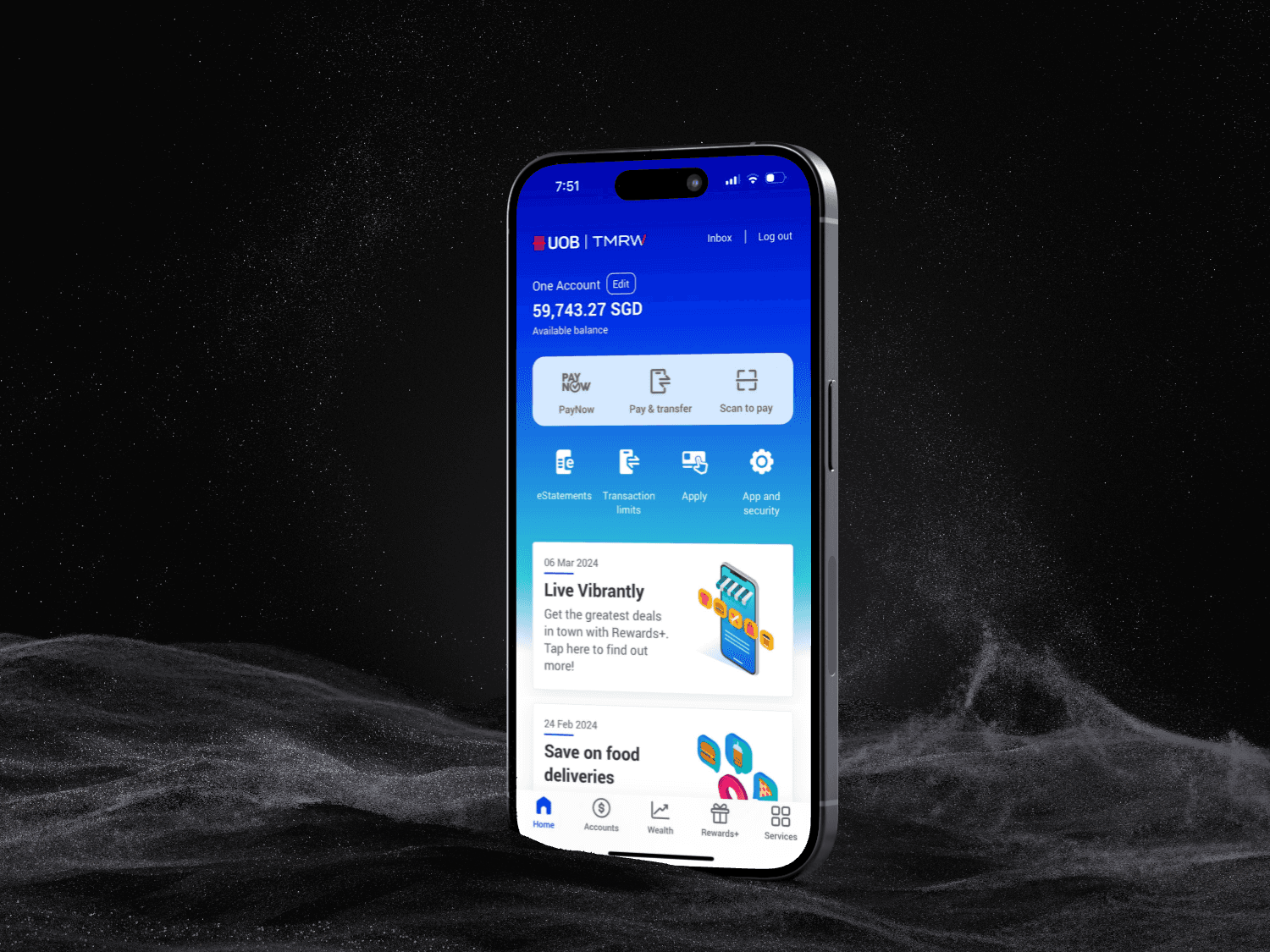
When I joined my UX bootcamp, my first big challenge was to take on the UOB TMRW app, Singapore’s all-in-one digital banking app. This was my very first project in UI/UX, and it became a milestone in my journey as a designer. Launched in 2021, UOB TMRW is a comprehensive mobile banking app that allows users to pay bills, manage accounts, withdraw cash without a card, track expenses, and redeem rewards - all in one place.
Project snapshot
Role : UI/UX designer
Timeframe: Three months
Platform: Mobile App
Tools & Plugins : Pen and paper, Figma, Canva, Miro
Why did I choose UOB TMRW?
I wanted to work on a product that was widely used, complex yet relatable. Almost everyone in Singapore has a banking app, and improving one would have a direct impact on real users’ daily lives. UOB TMRW stood out because of its feature set — but also because users often shared frustrations about navigation and clutter.
Problem
Research, competitor analysis, and user interviews revealed some big frustrations:
Hard to find essentials → balances, due amounts, and multiple card details weren’t easy to access.
Cluttered homepage → rewards dominated, while account info was buried.
Weak spend insights → no clear way to understand habits or long-term patterns.
User quote: “I prefer having everything on the homepage. It’s not convenient to switch between pages just to check account details.”
Goal
Create a self-serve report builder that is easy for beginners yet powerful for advanced users, with a clear structure for export-ready PDFs.
Solution
Using the Double Diamond process, I focused on clarity and usability:
Homepage redesign → Added an accounts/cards section upfront with swipe navigation for multiple accounts.
Expense insights → Introduced a new Spending Insights module with breakdowns, categories, and trends.
Simplified navigation → Reduced clutter to four key tabs and grouped accounts + cards.
Consistency → Built a starter style guide (colors, type, icons) to unify the experience.
Usability Testing
I tested the prototype with 3 users.
What they liked:
Spending insights that gave a clear monthly and categorical view.
Vendor logos in transactions, making expense recall effortless.
Quick access to account info from the homepage.
Suggestions for improvement:
Add a “peek balance” feature on login.
Allow users to personalize the dashboard order (e.g., prioritize payments first) .
Learnings
As my first project, the learnings went beyond design outputs:
Research > assumptions. Talking to users shaped my design more than any UI inspiration could.
Iteration is key. The first drafts weren’t right — testing showed what actually worked.
Clarity beats features. Users valued simplicity and quick access over bells and whistles.
Growth takes time. I didn’t know how to structure layouts properly back then, but I’ve since grown confident with grids, design systems, and scalable UI practices.
The Outcome
The redesign gave users:
Quick access to all accounts/cards directly from the homepage.
Visual spending insights for better control over habits.
A cleaner, more consistent flow that tested well with users.
Reflection
When I look back at this project, it feels special — because it was my first ever UI/UX project during my bootcamp. At the time, I was just starting out: I didn’t know much about things like auto-layout, layout grids, or scalable design systems (something you’ll notice if you look closely at my early screens 😅).
Since then, I’ve grown a lot as a designer — I’ve become much more confident with design systems, responsive layouts, and building polished, scalable interfaces. But this project remains a milestone for me because it’s where I truly learned to think like a designer: starting with problems, listening to users, and iterating until the solution felt right.